
How to Stream Live G-Force Data (Racing, IRL, VR)

Your heart rate tells viewers how stressed you are. G-Force shows them why. When you brake hard, take a sharp turn, or accelerate through a corner, G-Force data makes those moments visible and measurable on stream.
HypeRate G-Force tracks acceleration forces in real-time using your phone's sensors and displays them as a live overlay in OBS. No specialized hardware, no accounts, no setup headaches. Here's how to add it to your stream in under 60 seconds.
What is G-Force?
G-Force (gravitational force) measures acceleration your body experiences relative to Earth's gravity. At rest, you experience 1G. When you accelerate, brake, or turn, that force increases.
- Acceleration: Pushing forward in a car or bike creates forward G-Force
- Braking: Sudden deceleration creates negative G-Force (your body pushes forward)
- Turning: Cornering generates lateral G-Force (left or right)
- Combined forces: Real movement creates multi-axis G-Force simultaneously
Fighter pilots experience 9G+ during maneuvers. Formula 1 drivers hit 5-6G in corners. IRL streamers biking downhill or taking sharp turns easily hit 2-3G—enough to make content way more engaging when viewers can see the numbers.
Why Streamers Use G-Force Overlays
G-Force turns invisible forces into visible stakes. When chat sees "2.4G" flash during a hard turn, they understand the intensity instantly.
- Driving/Cycling IRL: Show the exact force during aggressive cornering, braking, or acceleration
- Amusement parks: Roller coasters and drop towers generate massive G-Force spikes—perfect for reaction content
- Motorsport content: Karting, track days, or passenger rides become data-driven stories
- Fitness/Training: Sprints, jumps, or explosive movements generate measurable G-Force
- Proof moments: "Chat said I wasn't going hard—watch this" becomes undeniable when G-Force hits 3.0+
Customization Options
HypeRate G-Force is fully customizable to match your stream branding. Adjust settings live without restarting OBS:
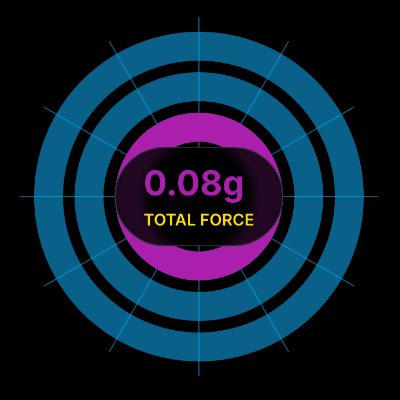
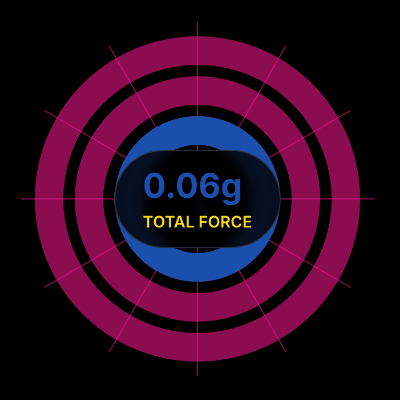
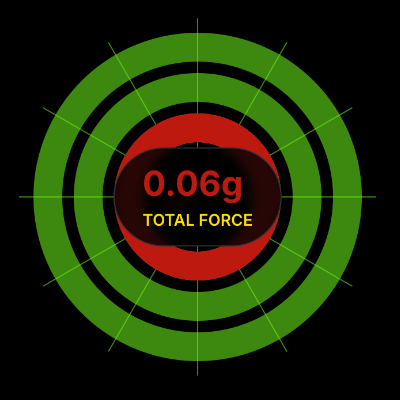
- Base Color: Gauge rings and grid background color
- Middle Ring Color: Warning zone color (1.4G+)
- Outer Ring Color: High-intensity zone color (2.5G+)
- Layout & Size: Adjust widget dimensions to fit your stream layout
Setup (60 Seconds)
Step 1: Get Your G-Force Link
- Open HypeRate app on your phone (iOS/Android/Wear OS) or go to gforce.hyperate.io
- Enter your HypeRate device ID
- Customize gauge colors (optional)
- Tap "Copy URL for OBS"
Step 2: Add to OBS
- Open OBS on your streaming device
- Click the + under Sources → Browser
- Paste your HypeRate G-Force link
- Set width: 400px, height: 400px (adjust to fit your layout)
- Click OK
Step 3: Go Live
- Secure your phone (pocket, mount, or armband—it needs to move with you)
- Start your activity
- G-Force data appears live as you accelerate, brake, or turn
- Done
The link includes your device ID and color settings, so everything works immediately.
Use Cases
Driving/Motorsport Content: Mount your phone securely and show G-Force during track days, karting, or spirited driving. Viewers see exactly how hard you're cornering or braking. Combine with Speedometer for the full motorsport data overlay.
Cycling Streams: Aggressive cornering, sudden braking, or sprinting all generate measurable G-Force. When you take a sharp downhill turn at 50 km/h, chat sees the 2G spike in real-time.
Amusement Park Content: Roller coasters, drop towers, and spinning rides create wild G-Force swings. The overlay shows peaks and valleys as rides accelerate, drop, and brake—perfect for reaction content.
Fitness/Training: Explosive movements (box jumps, sprints, plyometrics) generate short, high G-Force bursts. Use it to prove effort or track training intensity over time.
Urban Exploration/Parkour: Jumps, drops, and quick direction changes all register. When you land a jump or cut hard around a corner, the G-Force spike tells the story.
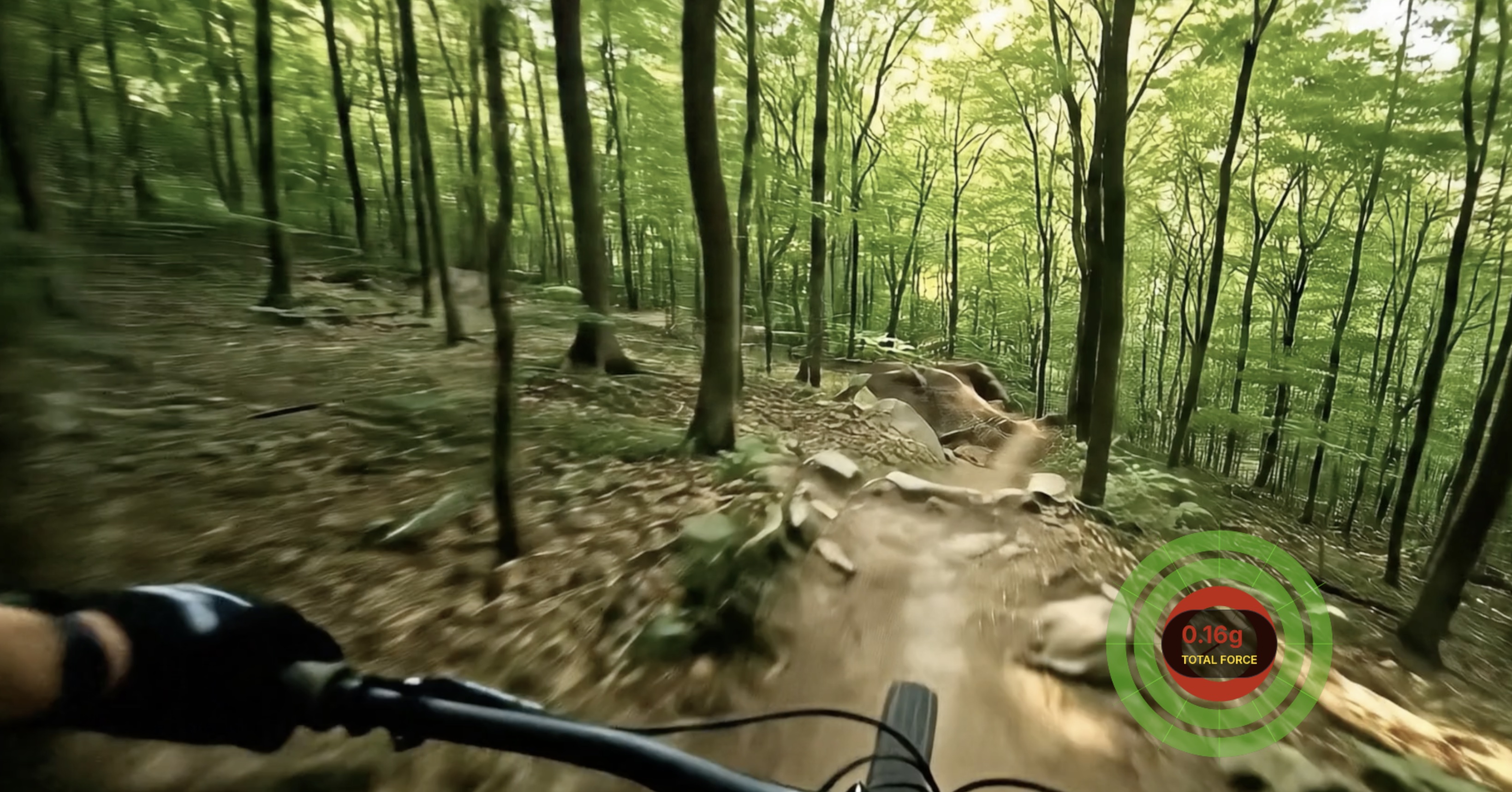

G-Force + Heart Rate + Speedometer = Ultimate IRL Setup
Stack HypeRate overlays for maximum context:
- G-Force shows what you're doing (acceleration/turning)
- Speedometer shows how fast you're moving
- Heart Rate shows how hard your body is working
Three browser sources in OBS, zero accounts required. When viewers see all three spike during a hard corner or sprint, they're fully immersed in the moment.
Accuracy & FAQ
How accurate is phone-based G-Force tracking?
Modern smartphones have accelerometers accurate to ±0.1G in ideal conditions. Real-world accuracy depends on phone placement (secure mounting is critical) and sensor quality. For streaming, it's more than accurate enough to show meaningful spikes and trends.
Does the phone need to stay still in my pocket?
No—it needs to move with you. Secure it in a pocket, armband, or mount so it experiences the same forces you do. Loose placement (bag, backpack) creates noise and inaccurate readings.
Can I use this in a car?
Yes, if you're a passenger or safely mounting your phone. Never interact with your phone while driving. Secure mounts (dashboard, vent) work best for accurate data.
Does it work indoors?
Yes. G-Force uses accelerometers, not GPS, so it works anywhere your phone can detect motion.
Do I need a HypeRate account?
No. Enter device ID, copy link, paste in OBS, done.
What's the delay between movement and on-stream display?
Typically under 100ms. Fast enough that viewers see G-Force spikes in real-time as they happen.
Can I use multiple phones for different data sources?
Yes. Each HypeRate overlay (G-Force, Speedometer, Heart Rate) can pull from separate devices or the same device, depending on your setup.
Next Steps:
- Add HypeRate Speedometer to show real-time speed alongside G-Force
- Combine with HypeRate IRL for the complete outdoor streaming setup
- Explore the full widget gallery for more overlay designs