
How to Add a Live Speedometer to Your IRL Stream (OBS, Twitch, YouTube)

Your viewers want to see exactly how fast you're going. Whether you're biking, running, driving, or doing any outdoor challenge, a live speedometer overlay makes your IRL stream instantly more engaging.
HypeRate Speedometer tracks your real-world speed via GPS and displays it directly on your stream. No complex setup, no accounts, no BS. Here's how to get it running in under 60 seconds.
What HypeRate Speedometer Tracks
HypeRate Speedometer uses your phone's GPS to track your real-world speed during IRL streams:
- Cycling: Shows your exact speed climbing hills, sprinting, or cruising
- Running: Tracks pace converted to speed for outdoor runs
- Driving: Displays speed during road trips or car content (passenger use only)
- Any outdoor activity: Skateboarding, skiing, hiking—if you're moving, it tracks it
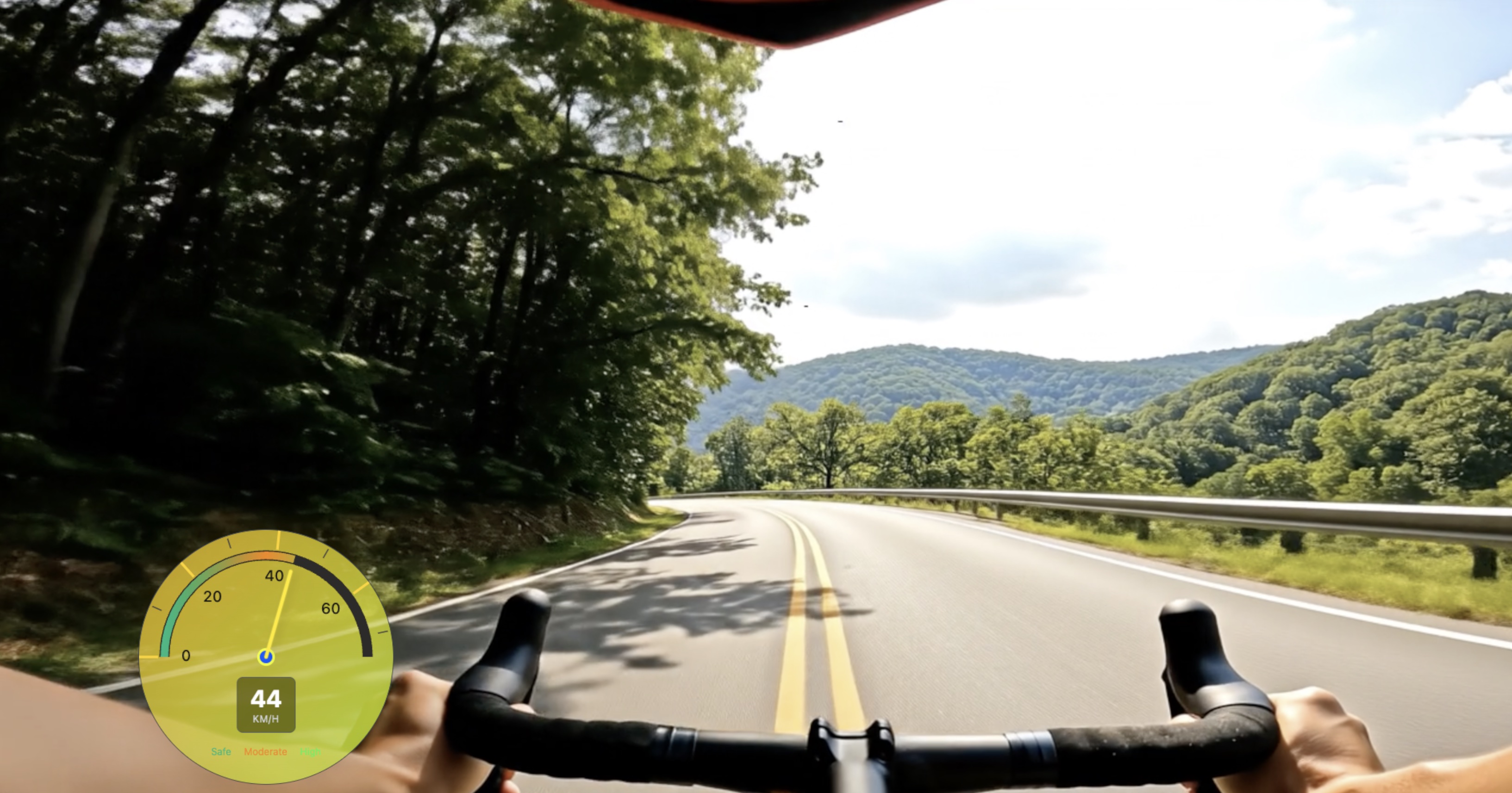
The overlay updates in real-time, so your viewers see your speed the exact moment it changes. When you hit 40 km/h on a downhill bike segment or slow to 5 km/h climbing stairs, chat sees it live.
Why IRL Streamers Use Speedometer Overlays
Speed = stakes. When viewers can see your exact speed during a challenge, they're more invested in the outcome. Here's why IRL streamers add speedometers:
- Cycling streams: Show speed through climbs, descents, and sprint segments
- Running content: Display pace in real-time during outdoor runs or races
- Adventure streams: "I'll bike 50 km/h downhill" becomes way more engaging when chat can verify it live
- Fitness challenges: Combine speed with effort to show training intensity
- Variety IRL content: Speed-based challenges ("Maintain 30 km/h for 10 minutes or end stream") drive retention
Customization Options
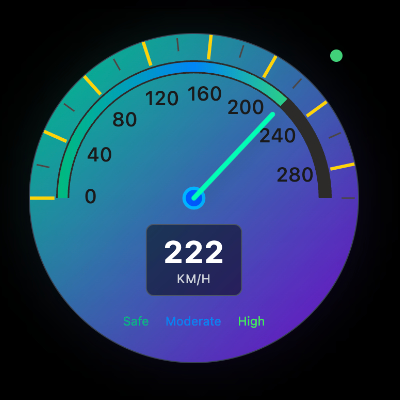
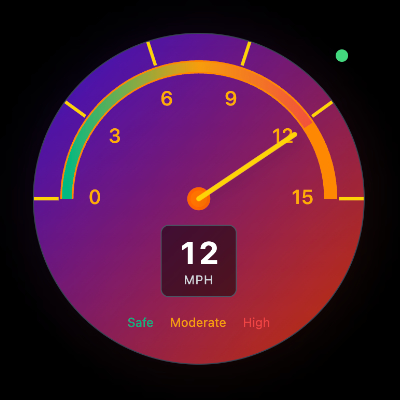
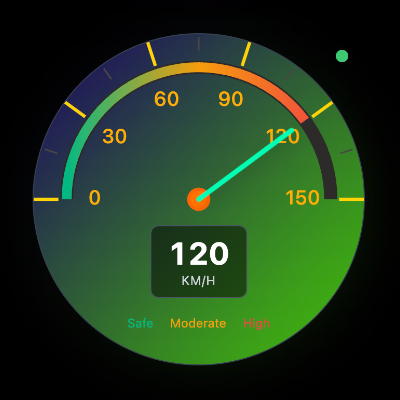
HypeRate Speedometer is fully customizable without code. Adjust directly in the overlay settings:
- Speed Units: Switch between km/h, mph, or m/s
- Progress Bar Colors: Customize start and end colors (gradient effect as speed increases)
- Layout & Size: Adjust widget dimensions to fit your stream layout
- Color Scheme: Match your stream branding with customizable color options
Setup (60 Seconds)
Step 1: Get Your Speedometer Link
- Open HypeRate app on your phone (iOS/Android/Wear OS) or go to speedometer.hyperate.io
- Enter your HypeRate device ID
- Select your preferred speed unit (km/h, mph, or m/s)
- Tap "Copy URL for OBS"
Step 2: Add to OBS
- Open OBS on your streaming device
- Click the + under Sources → Browser
- Paste your HypeRate Speedometer link
- Set width: 400px, height: 400px (adjust to fit your layout)
- Click OK
Step 3: Go Live
- Start your IRL stream and begin moving
- Your speedometer updates live via GPS as you move
- That's it
No account creation, no plugins, no complicated setup. The link includes your device ID and settings, so it works instantly.
Use Cases
Cycling Streams: Show your speed through climbs and descents. Viewers can track your performance in real-time and hype you up when you're grinding uphill at 15 km/h or flying downhill at 60 km/h.
Running Content: Display your running speed live during outdoor streams. "I'll maintain 12 km/h for 5k" becomes a challenge chat can verify every step of the way.
Fitness Challenges: Add stakes to outdoor workouts. When you promise to keep pace above a certain speed, viewers watch the speedometer like hawks.
Adventure IRL: Hiking, skateboarding, or exploring—show viewers exactly how fast (or slow) you're moving through terrain. Speed adds context to effort.
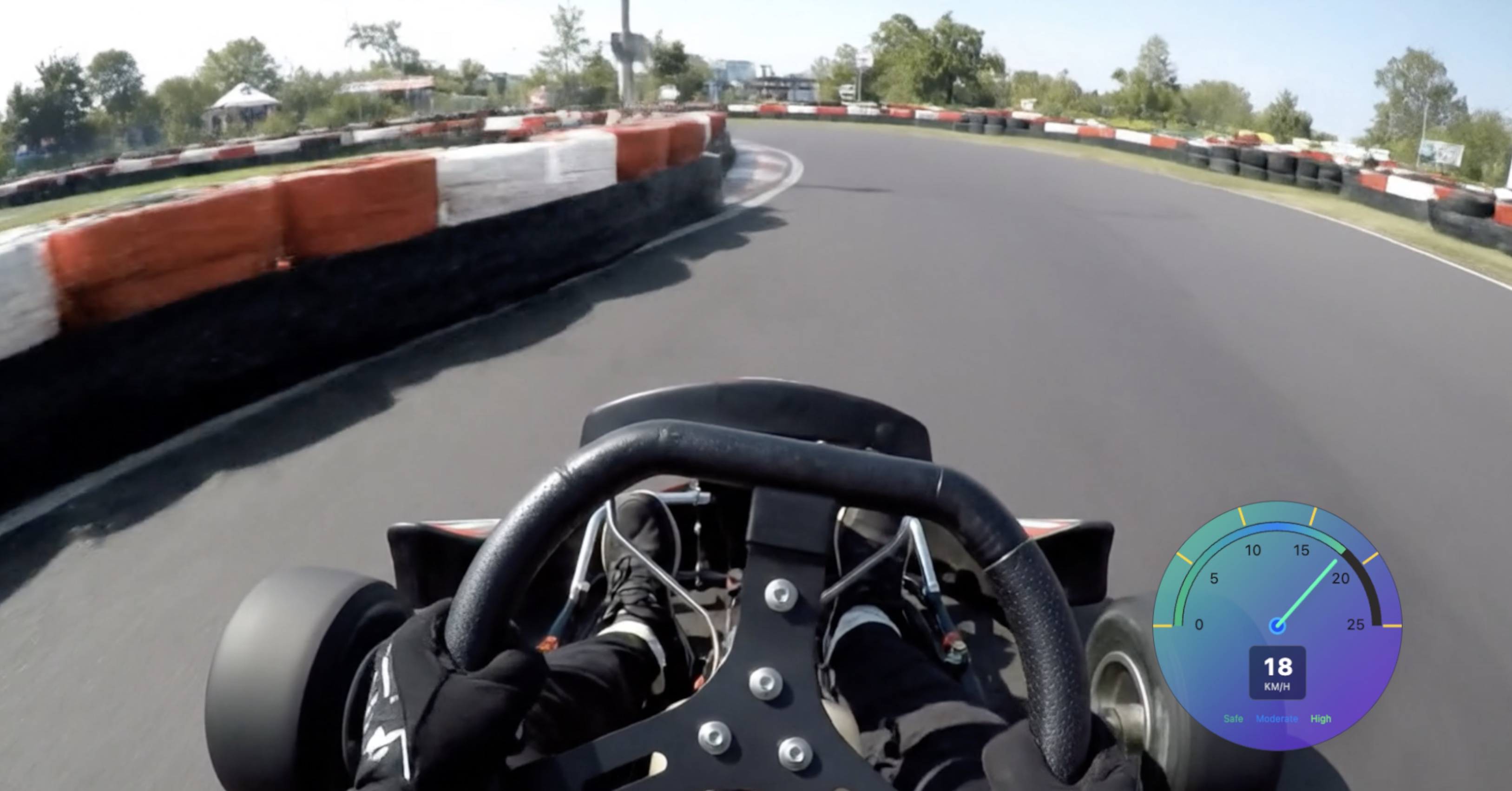
Speedometer + Heart Rate = Maximum IRL Engagement
Stack HypeRate Speedometer with a Heart Rate overlay for next-level IRL content. When viewers see your speed increasing while your heart rate spikes climbing a steep hill, they're locked in.
Both overlays work with the same setup process—two browser sources in OBS, zero accounts required. Speedometer shows output, heart rate shows effort. That combination is content gold for IRL streams.
FAQ
Does it work indoors?
No. Speedometer uses GPS, so it only works outdoors where your phone has a clear GPS signal.
Do I need a HypeRate account?
No. Enter device ID, copy link, paste in OBS, done.
Can I use it on Twitch, YouTube, and Facebook?
Yes. HypeRate Speedometer works with any streaming platform. It's just a browser source in OBS.
Can I change colors and units mid-stream?
Yes. Adjust settings in the HypeRate dashboard and the overlay updates live without restarting OBS.
What units does it support?
km/h, mph, and m/s. Switch anytime in settings.
Does it drain my phone battery on IRL streams?
GPS tracking does use battery, but HypeRate is optimized for streaming. For streams longer than 2 hours, bring a power bank.
How accurate is the GPS speed?
Accuracy depends on your phone's GPS signal. In open areas (roads, trails, parks), it's highly accurate. Accuracy drops in dense urban areas or under heavy tree cover.
Next Steps:
- Try HypeRate G-Force to show acceleration and braking force during biking or driving
- Add a live map overlay to show your route in real-time
- Combine with HypeRate IRL for the full outdoor streaming setup
- Explore the full widget gallery for more overlay designs